The system provides a feature for resetting a forgotten password in an SSO Environment.
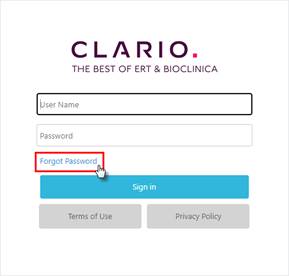
1. On the Sign in screen, click the Forgot Password link.
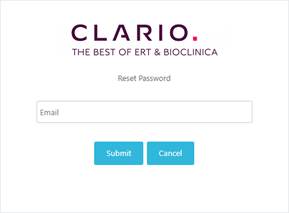
2. A Reset Password dialog box displays.
Figure 6: Click the Forgot Password Link Figure 7: Reset Password in SSO Environment
3. Enter the email address that is associated with your credentials.
4. Click the Submit button.
5. The system sends an email with a temporary password.
a. Use that password to log in and the system will prompt you to change your password.
Related Topics